Truckful Beginner Guide: First Hours Tips
Start Truckful the right way: how physics cargo, the notebook, save shrines, scrap and upgrades fit together in your first hours after the October 2026 launch.
In Truckful, pack cargo carefully because it is physics-based and shape, weight and fragility all matter, use your notebook as the map and objective tracker, save at shrines, collect scrap from abandoned machinery and recyclables, and buy upgrades in whatever order unlocks the routes you want next.
On this page
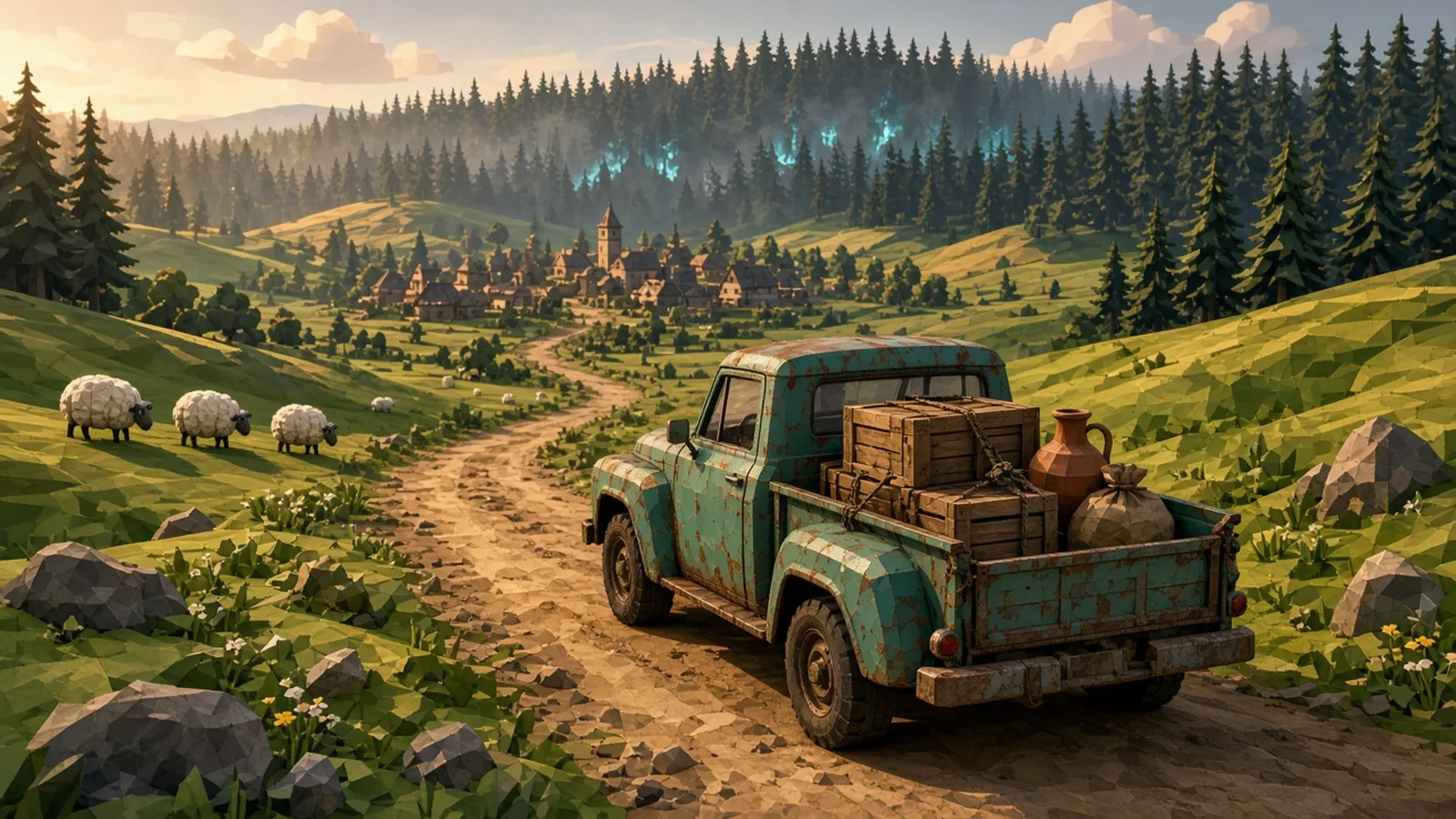
Truckful is a delivery game built around a small truck, a valley of towns, forests, marshes, tunnels and dusty hills, and cargo that behaves like real objects. MythicOwl, a seven-person studio, released it on October 9, 2026 with Pocketpair Publishing. This guide sticks to what the developer has confirmed in the Steam page, the launch patch notes and the Community Update #14 FAQ. We have not published exact prices, upgrade costs or delivery payouts because MythicOwl has not listed them, and we would rather leave a gap than guess.
How the main loop fits together
Every run follows the same shape. You take a job, load the truck, drive a route, and deliver what survives the trip. Money and scrap from that work pay for upgrades, and upgrades open new routes. Because the world is semi-open, the thing stopping you from reaching a new region is usually a missing upgrade, not a missing story beat. When you feel stuck, look at the region you cannot reach and ask which upgrade would get you there. The snorkel and boosters are obvious examples, since the developer lists both among the upgrade types.
Packing cargo without losing it
Cargo is physics-based. The developer calls out shape, weight and fragility as the three properties that matter. In practice that means a tall, light box placed on top of a heavy crate will slide off on a rough road, and anything fragile wants to sit where it cannot be crushed. Patch 1.0.1 fixed a double-input bug that had been limiting cargo rotation in the packing view, so if you played the first day and found rotating items awkward, update the game and try again. The sticky cargo upgrade exists for exactly this problem, and it is a reasonable early purchase if you keep losing loads.
Losing cargo is not the end of a run
New players often panic when the Ghost Truck appears. It is a hazard you avoid, not a boss fight. Getting hit does not restart the run, and cargo that falls out can be picked up again. Slow down, collect what dropped, and keep going.
Use the notebook and shrines
The notebook is the map, the objective list and the collectible log in one place. Save shrines are where progress is kept, so treat a shrine as your checkpoint before a long trip through caves or wetlands. If you ever get trapped in terrain, read our stuck and softlock fix, because Patch 1.0.2 added official recovery tools.
Controls and platforms
Truckful has full controller support, and the store page recommends a gamepad. PlayStation DualShock and DualSense support arrived in Patch 1.0.1. Keyboard players can remap keys through a text file since Patch 1.0.2, which our controls page walks through. Steam Deck runs at roughly 40 to 60 fps according to the developer.
Step-by-step guide
- Learn the cargo rules first
The developer confirms cargo is physics-based: shape, weight and fragility all affect how a load behaves. Stack heavy, sturdy items low and keep fragile items where they cannot be crushed or thrown.
- Open the notebook often
The notebook doubles as your map, objective tracker and collectible log. Check it before each run so you know where the next delivery or unlock is.
- Save at shrines before risky routes
Truckful uses save shrines. Visit one before a long drive through swamps, tunnels or caves so a bad run costs less.
- Collect scrap as you drive
Scrap is a second currency that comes from abandoned machinery and recyclables. Red's Scrapyard turns it into upgrade materials.
- Upgrade toward the route you want
Upgrades can be bought in any order. The semi-open world opens up as you upgrade, so pick the upgrade that unlocks the area you are blocked from.
Quick reference
Truckful at a glance
Confirmed facts from the Steam page and developer FAQ.
| Topic | What is confirmed | Source |
|---|---|---|
| Release | October 9, 2026 on Steam (Windows, macOS, Linux) and Google Play | Steam page |
| Developer and publisher | MythicOwl, a 7-person indie studio; published with Pocketpair Publishing | Steam page |
| Mode | Single-player | Steam page |
| World | Semi-open; routes unlock as you upgrade | Community Update #14 |
| Cargo | Physics-based; shape, weight and fragility matter | Community Update #14 |
| Currencies | Money plus scrap | Community Update #14 |
| Saving | Save shrines | Community Update #14 |
Video evidence
Watch creator walkthroughs alongside this guide. Check the recording date before following requirements that may have changed.
Truckful Official Launch Trailer
Shows driving, the valley and cargo loading as the developer presents them.
FAQ
Is Truckful open world?
The developer describes it as semi-open. New routes unlock as you get upgrades rather than all at once.
Is the Ghost Truck a boss?
No. MythicOwl says the Ghost Truck is a hazard you evade, not a boss. Getting hit does not restart your run, and you can pick up cargo you lost.
Can I run over sheep or boars?
No. The developer says you cannot run over sheep or boars, although one specific upgrade lets you almost do it.
Sources
Recheck these links whenever the game version, release status, or strategy changes.
- Truckful on Steam (MythicOwl) Release date, platforms, price, controller and feature list, read 2026-10-12.
- Truckful Steam news and patch notes Patch 1.0.1, Patch 1.0.2 (build 56) and Community Update #14 FAQ.
- Truckful Official Launch Trailer (MythicOwl Games) Official launch footage.